BLOG
Automations for event organizers – 10 examples that work
4 September 2026 | Automations

4 September 2026 | Automations
When your calendar is full of events, time is always short. Your audience needs a welcome email, practical information before the visit, and a thank-you afterward – and ideally all of it should drive sales and build stronger relationships too.
Automations do that work for you! You set them up once, and then they keep running on their own while you spend your time on the next opening night.
Saving time is the easy part. Knowing where to start is the hard part. So we've put together 10 examples – with when to send, why it works, and what to include.
Think of an automation as a self-playing piano. You set it up once, press start – and the right note plays at the right moment, every time.
Every automation in MarketHype is built on three things: a trigger, a wait time, and a message.
Trigger
The trigger is what wakes the automation up. It's the moment something interesting happens in your data – a guest buys a ticket to your event, someone signs up for your newsletter, a birthday is coming up. MarketHype listens for those signals all the time, so you don't have to keep track of them.
Wait time
The wait time is your timing. It's the distance between the trigger and the send: 10 days before the event, on the day of arrival, 6 months after the last purchase, on someone's birthday.
Message
The message is what your guest actually receives – an email or an SMS, designed by you, personalized with variables, and filtered to the right people.
Once those three parts are in place, you press start. From that moment on, MarketHype watches your data, matches every contact with the right moment, and sends.
(And yes – you can pause, edit, and retune the keys whenever you like. The piano keeps playing.)
Do you work with performances, concerts, or games of any kind? Whatever type of event you organize, the 10 examples below will work for you.
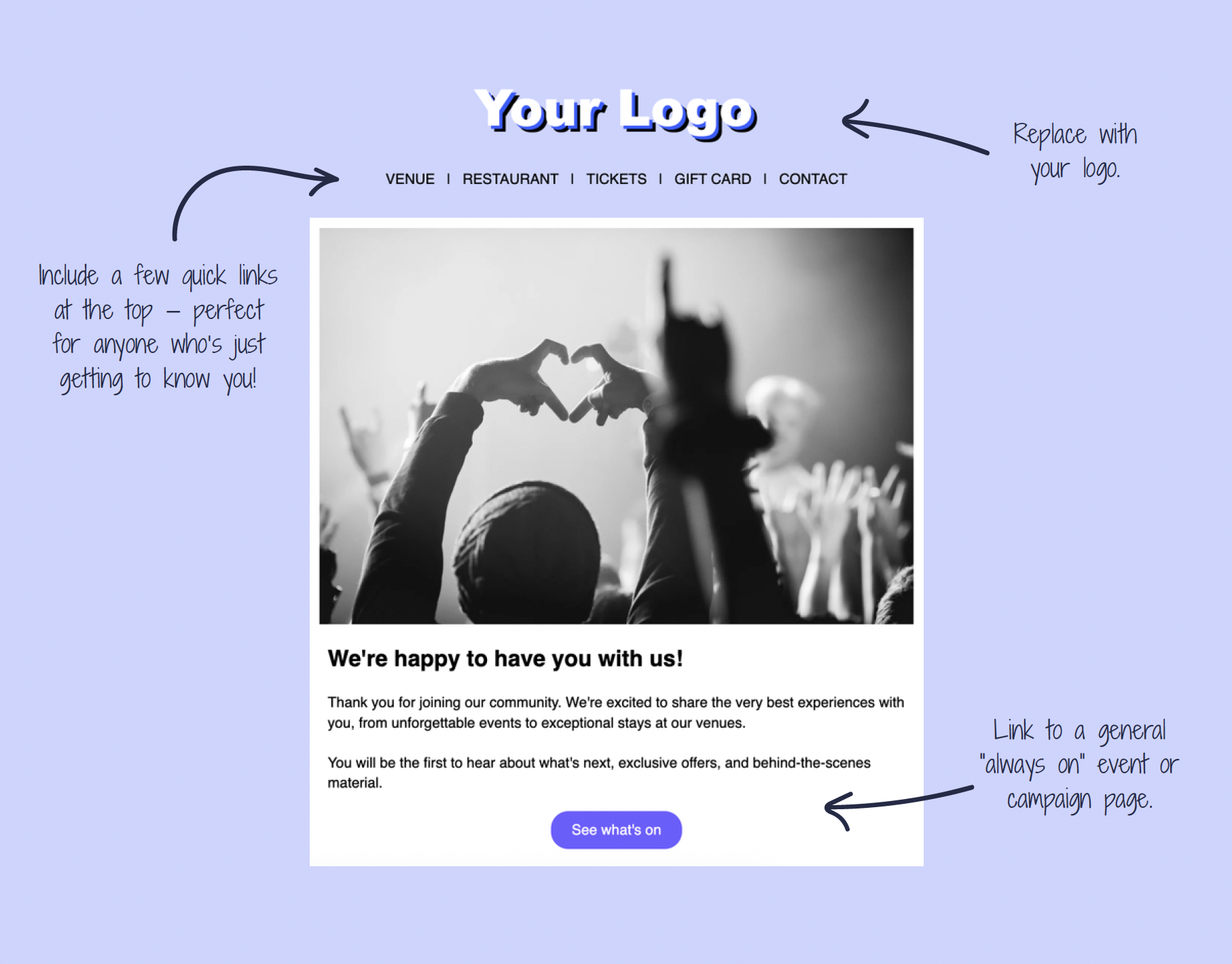
When: As soon as possible after the subscriber signs up.
Why: To welcome and celebrate your new subscribers, set expectations for what will land in their inbox, and start the relationship the right way.
What to include: A friendly hello, a short introduction to what your newsletters usually contain, some information about what your organization does, and links to your social media accounts.
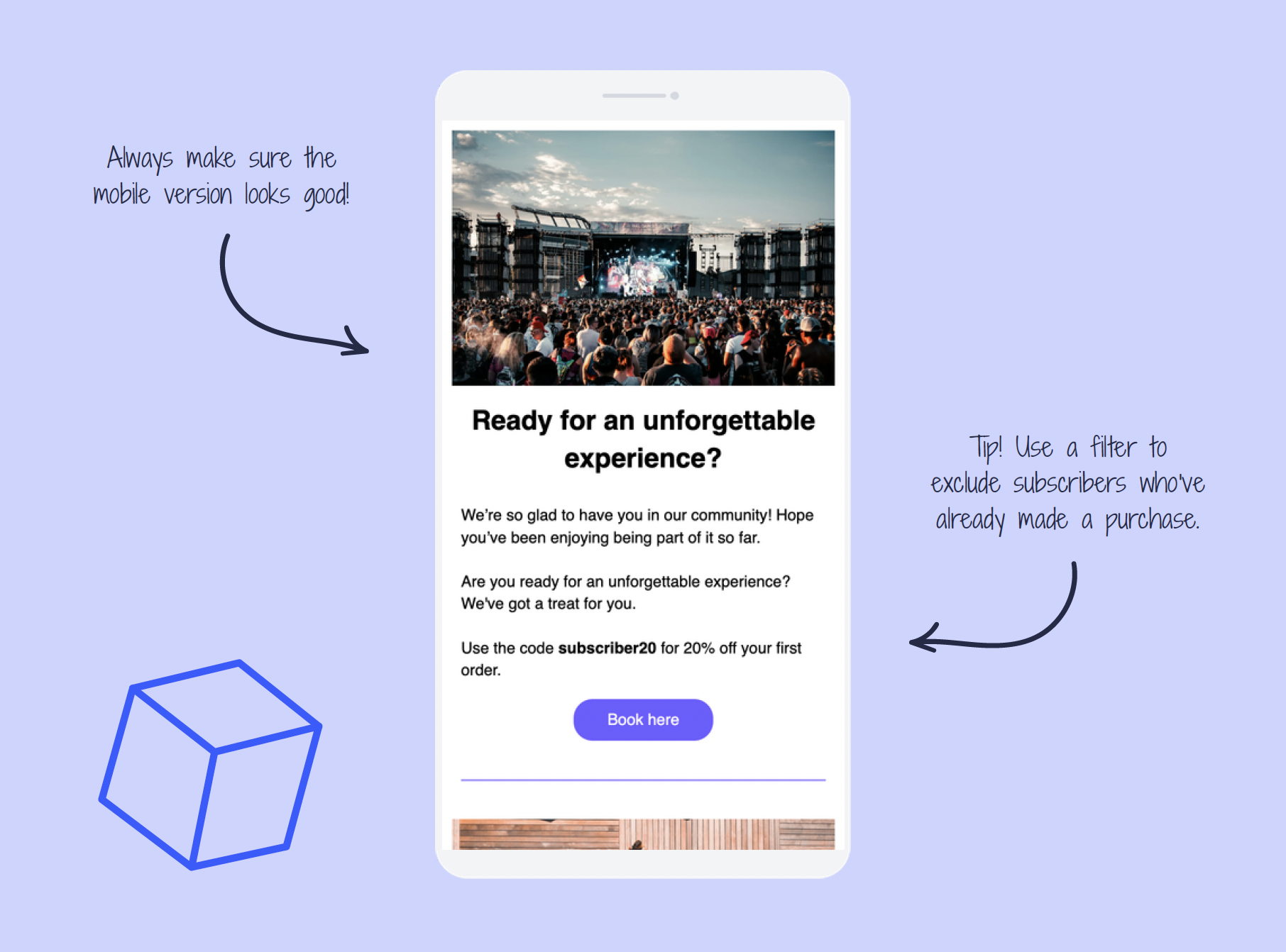
When: 2–3 months after the person became a newsletter subscriber. If you send newsletters less often, you can let this automation run after 4–5 months.
Why: To turn an engaged subscriber into a paying customer. They've shown interest, and now you're giving them a reason to take the next step in the customer journey.
What to include: A warm reminder that you're glad to have them along for the ride, plus a tempting offer. That could be a first-time buyer discount or a limited-time offer.
(Data from MarketHype.)
When: As soon as possible after a purchase.
Why: To confirm what your customer just bought, explain what's included, and make them feel well taken care of from the very first moment.
What to include: A big thank you and practical information about the purchase (for example season ticket holder benefits, what their ticket type covers, and what happens next).
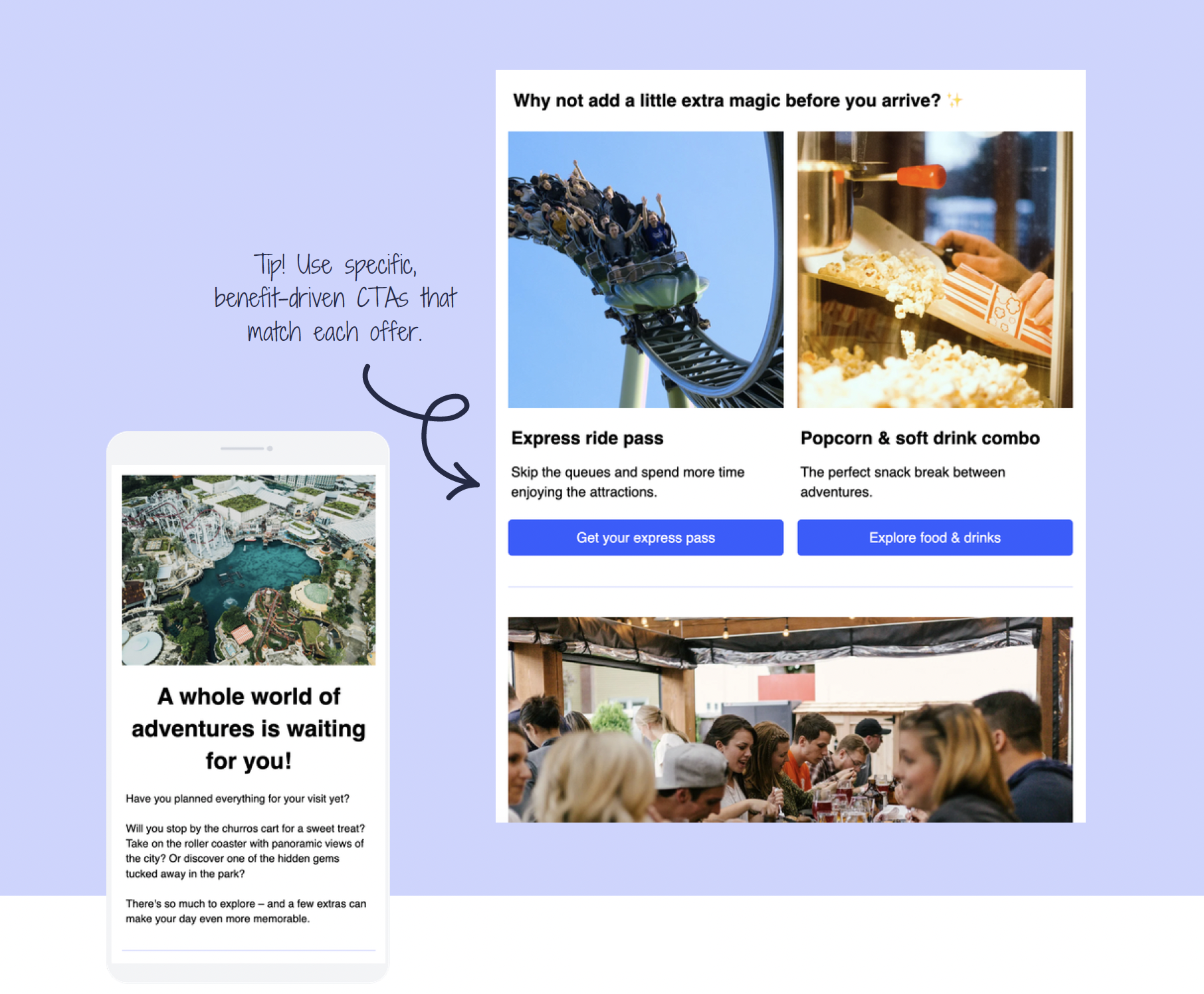
When: 14 days before the event.
Why: To increase sales and give your audience tips on how to get the most out of the experience.
What to include: Tips about food, drinks, and merchandise, or other products relevant to your organization.
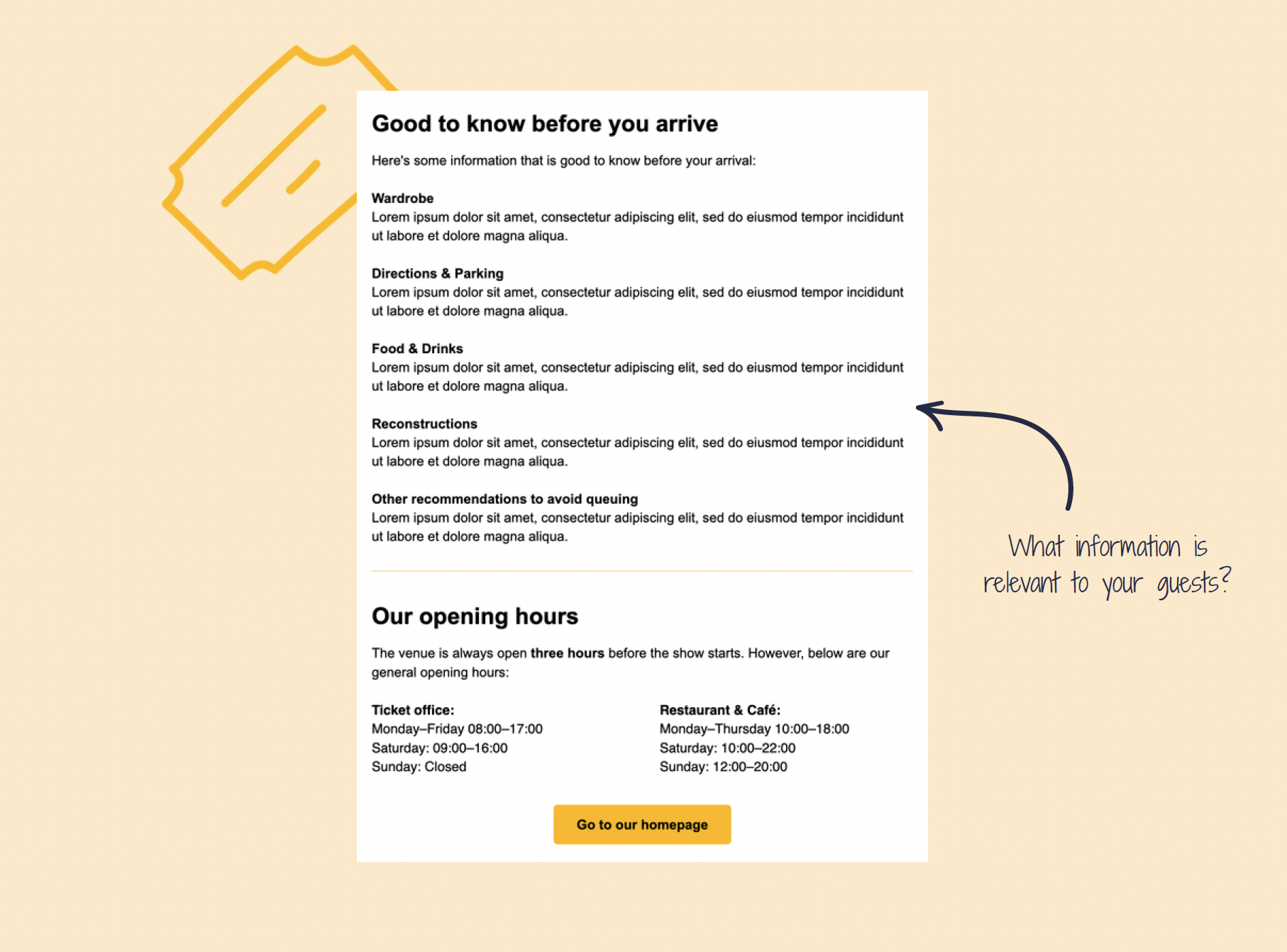
When: 3–5 days before the event.
Why: To give your visitors the information they need.
What to include: For example information about parking, food, and coat check. Think about what your guests should know before they arrive.
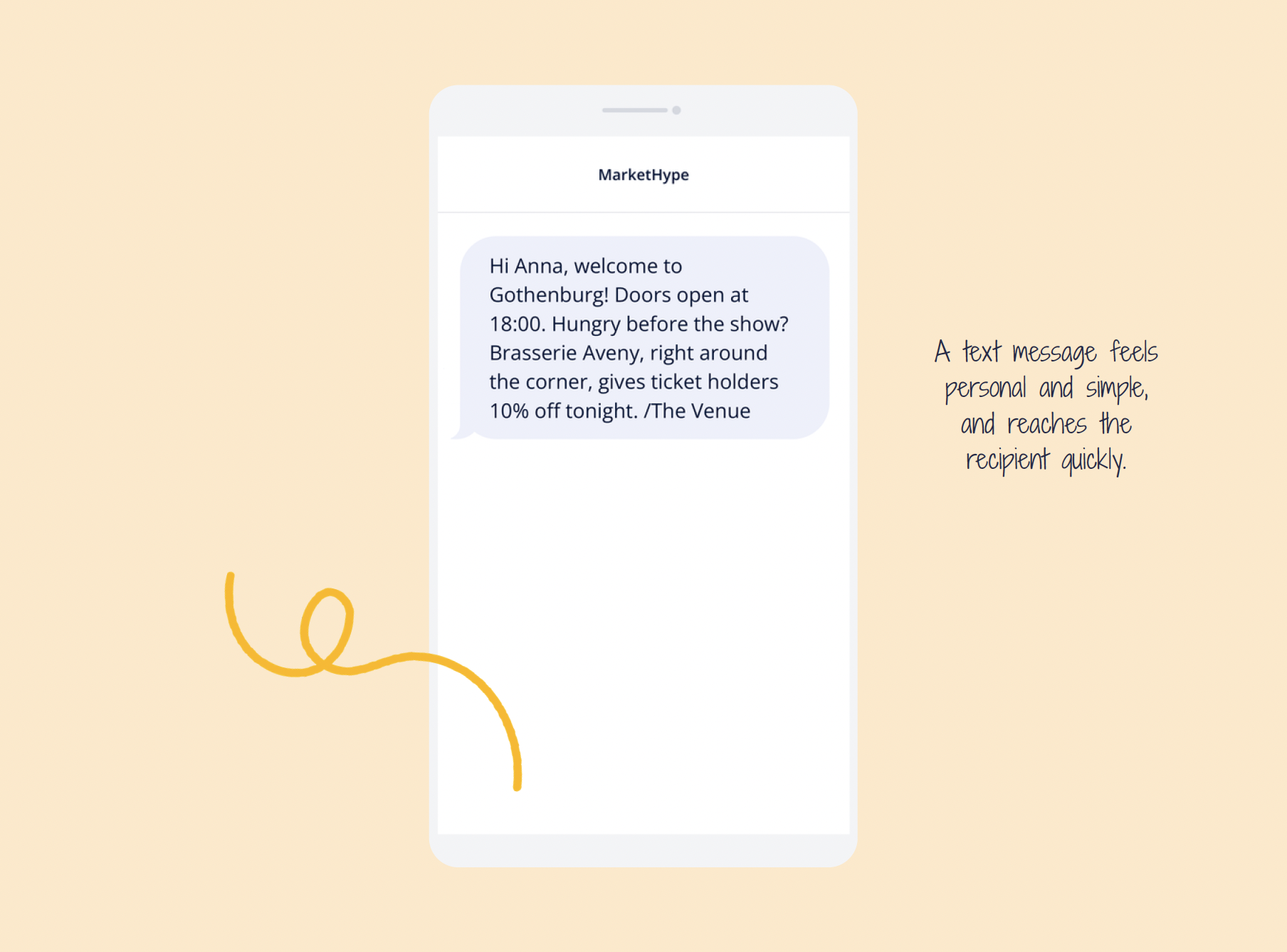
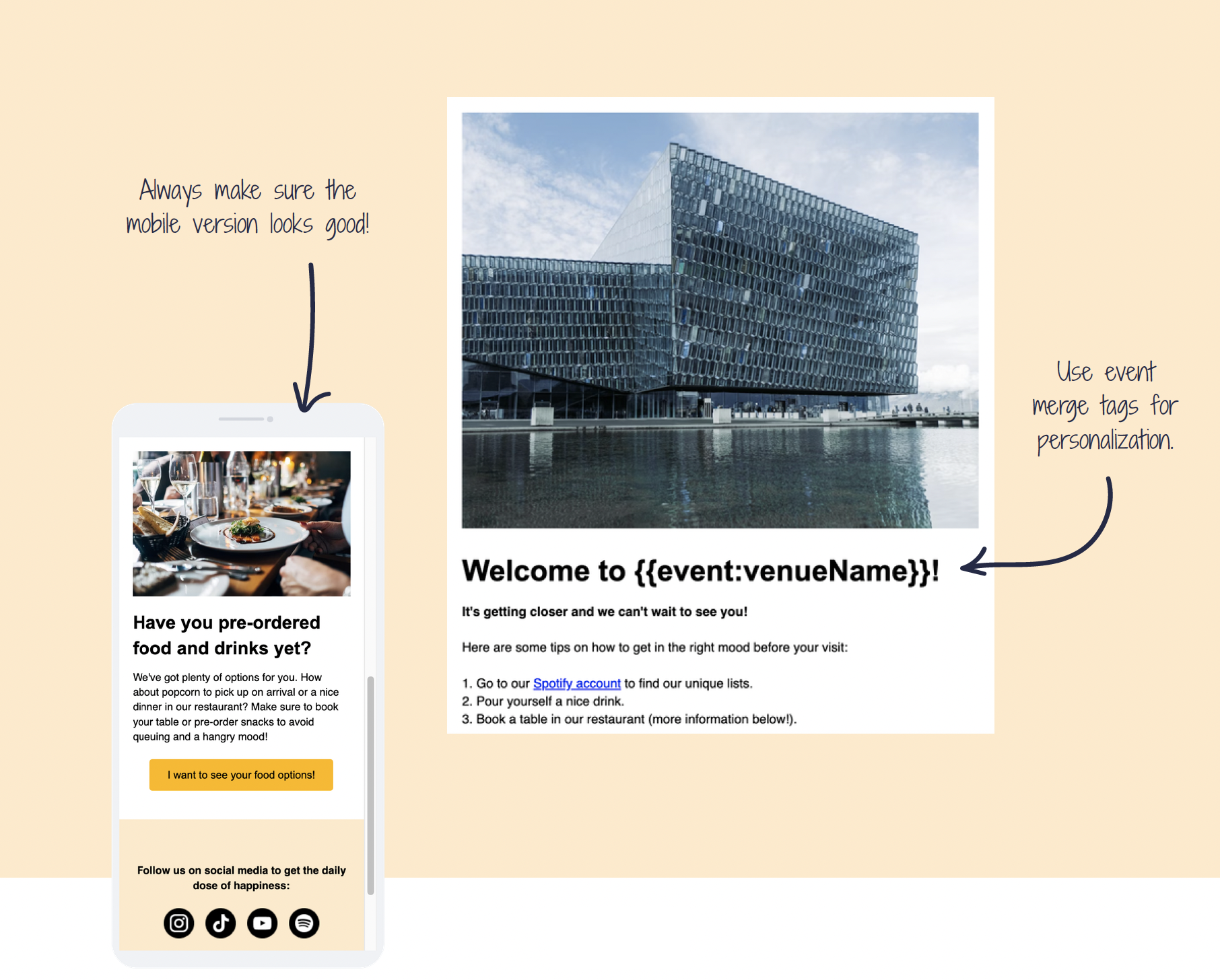
When: On event day.
Why: To welcome your guests and get them excited.
What to include: A small welcome message means a lot and shows your audience that you care. A simple gesture, that's all.
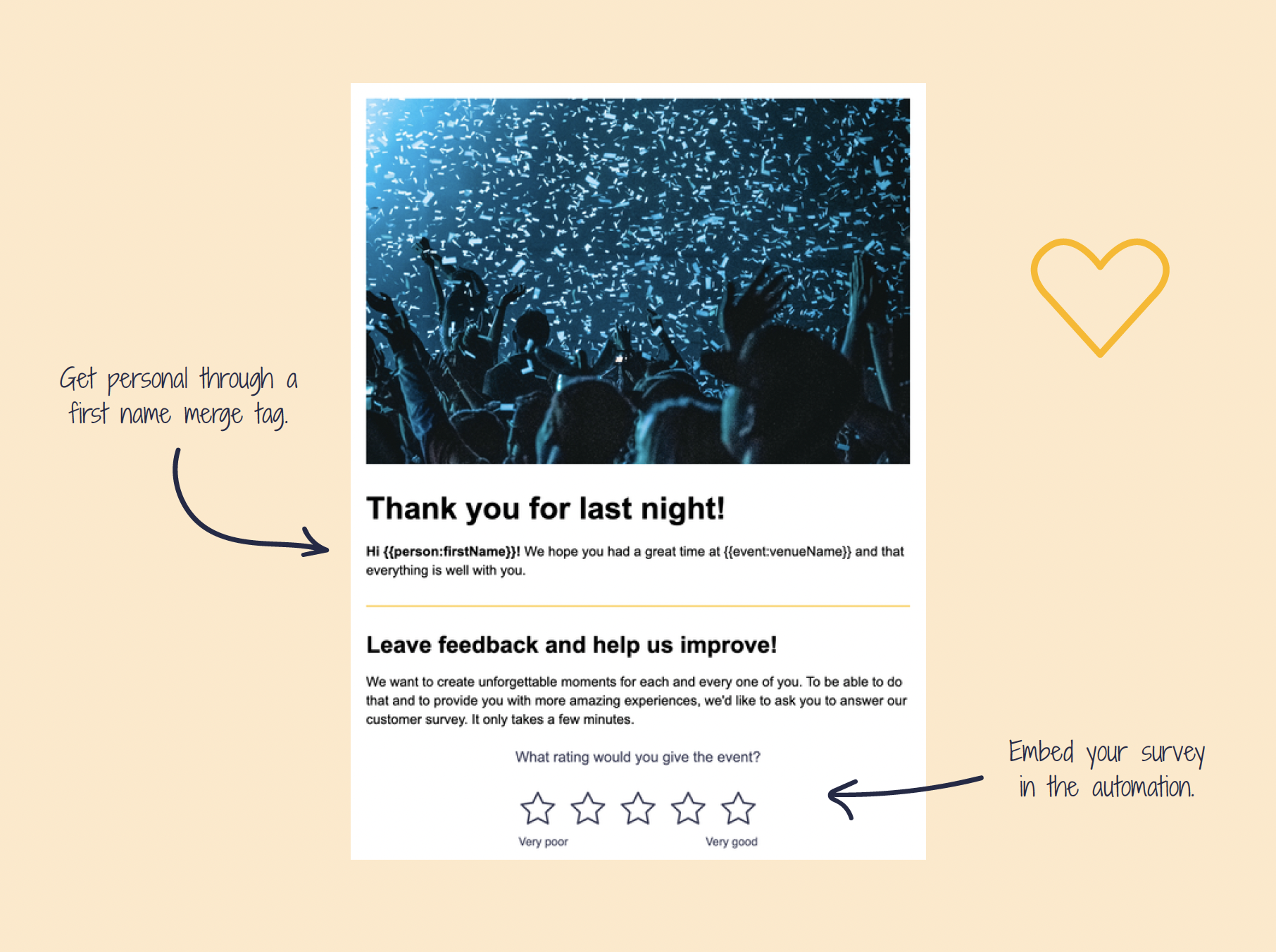
When: 1 day after the event.
Why: To show your customers that you care and to get feedback that can help you improve future events.
What to include: A thank-you message and a (link to a) survey. You can also embed a survey question directly in the email to improve your chances of getting feedback.
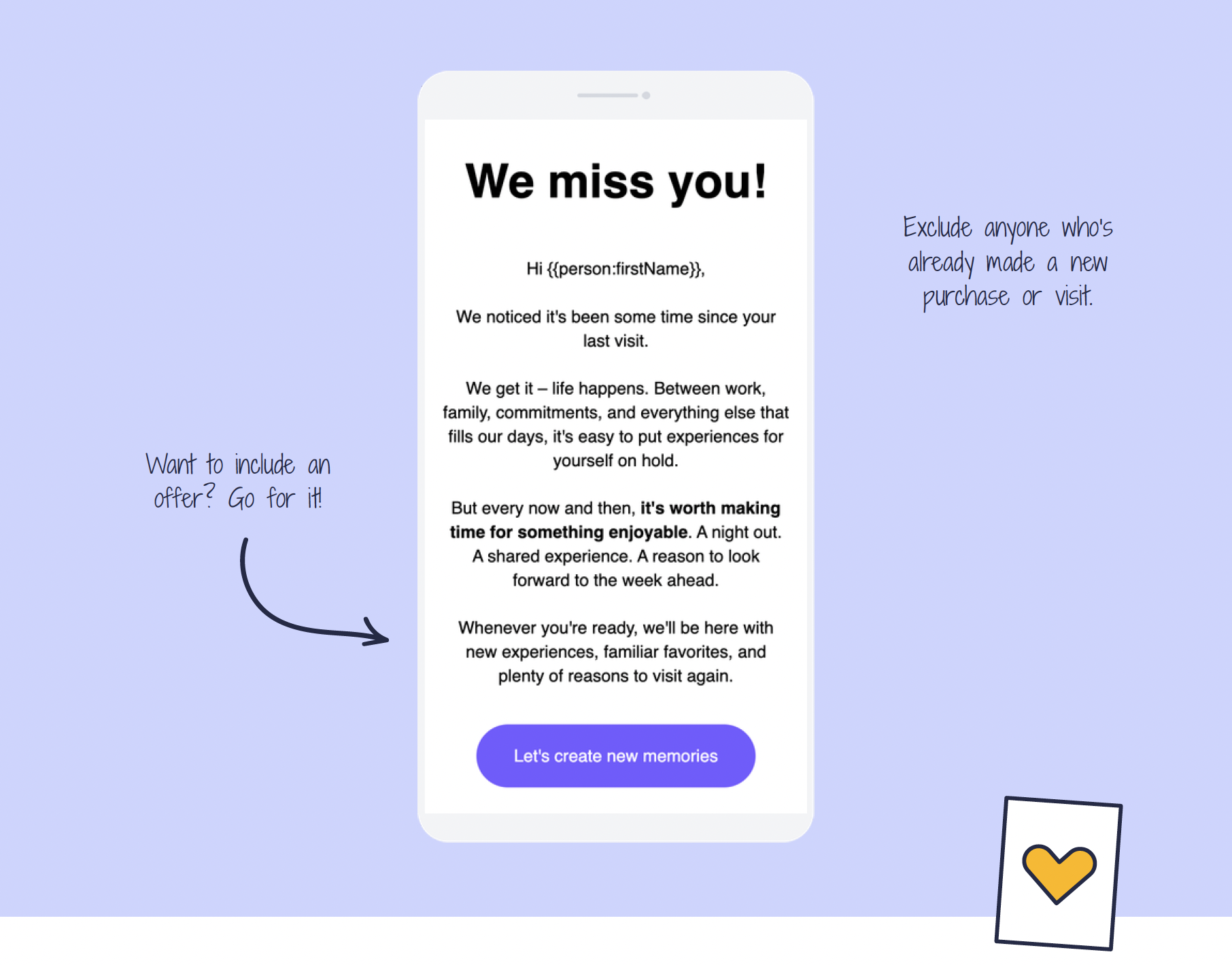
When: 6, 12, 18, and/or 24 months after the last purchase.
Why: To remind inactive customers that you're still here – and give them a reason to come back. A simple hello at the right moment can lead to a new purchase.
What to include: A ”we miss you” message, a look at what's coming up at your venue, and/or a tempting offer.
(Data from MarketHype.)
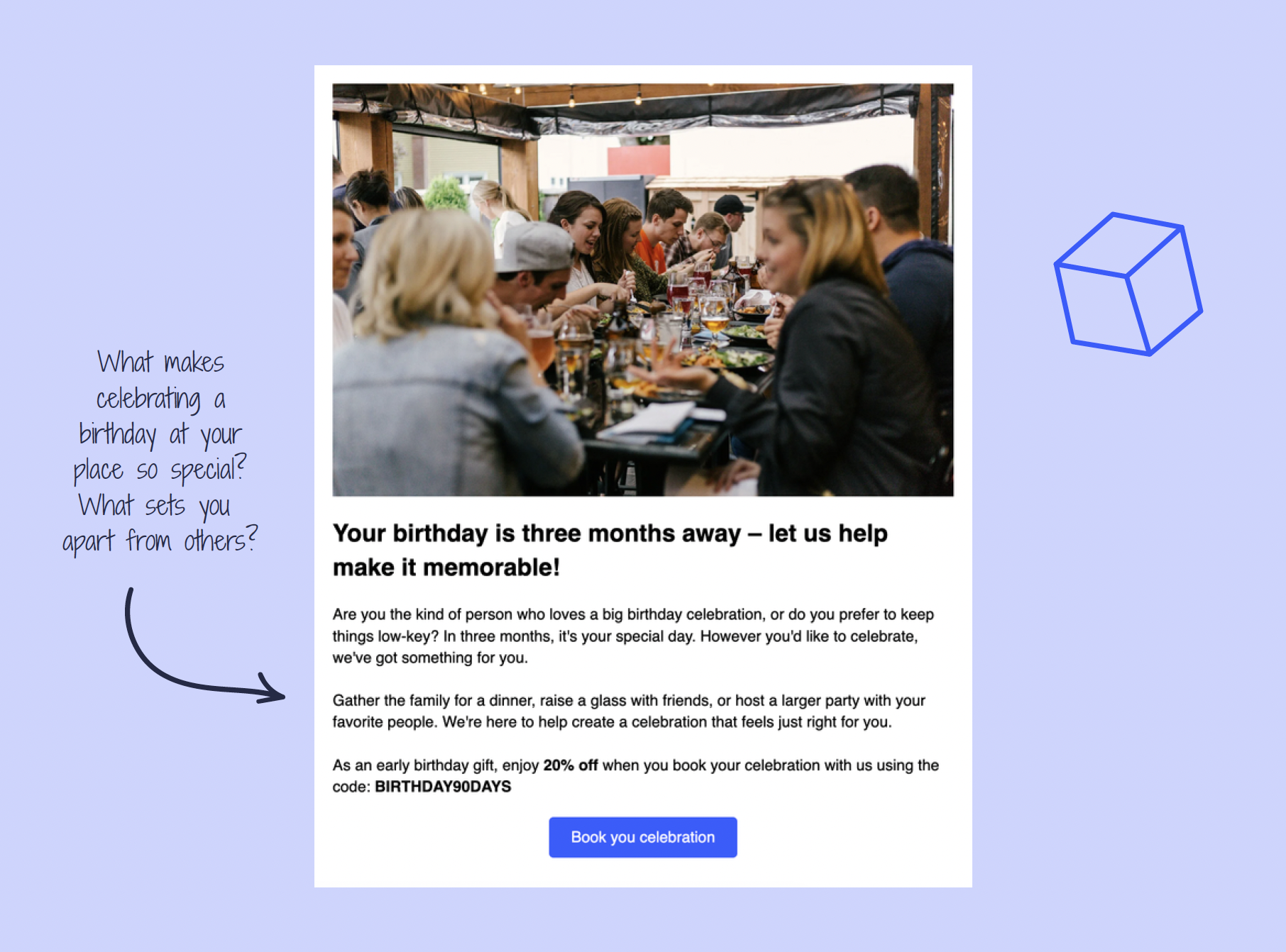
When: 3 months before the recipient's birthday.
Why: To plant a seed early and tempt your customer to celebrate at your venue. An automated birthday message is a great way to cut through the noise – be the first to invite them to the party!
What to include: Storytelling that sets the birthday mood (”Imagine waking up on your special day…”) and/or a tempting offer.
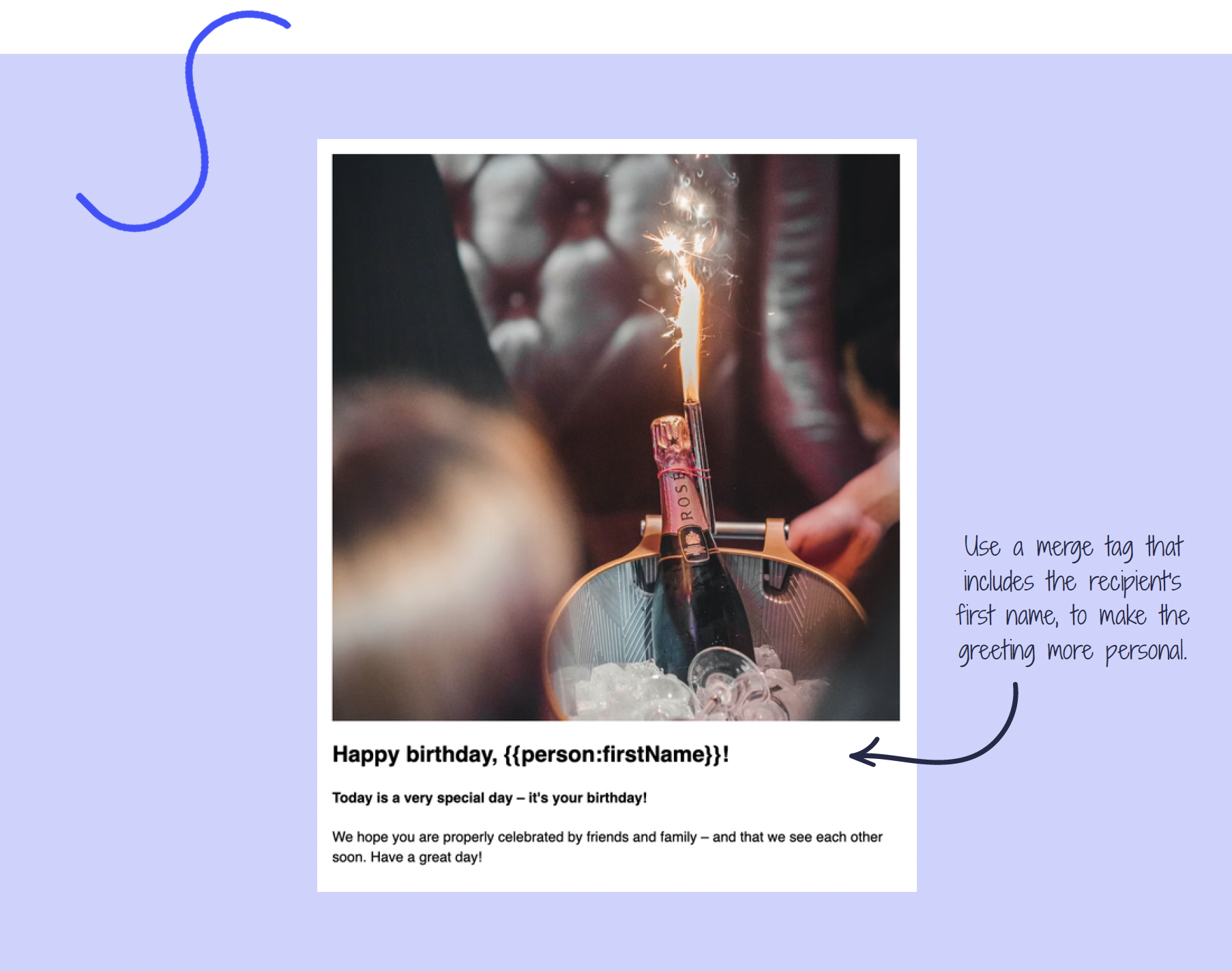
When: On your customer's or subscriber's birthday.
Why: To show your customers that you care. A small gesture on a personal day means a lot!
What to include: A warm birthday greeting. That's it.
"The MarketHype Playbook: Automations" gives you plenty of tips, knowledge, and inspiration:
• Five reasons to use automations
• A total of 20 inspiring examples from the industry
• Hard data on open rates, AOV, and much more
• Four automations to start with
• 12 tips to take with you when you build automations